From Phone Numbers to Faces: Why FaceSeek Is the New People Finder Standard
A phone number offers a thin slice of a person. A face tells a fuller story. In a time when numbers change often, a face connects to public photos, profiles, and posts that mirror real life. That is why a modern people finder needs more than a phone lookup. It needs a safe, accurate, and fast face search.
This guide explains how FaceSeek fits into people search online, what a face search tool really does, and why it gives stronger context than a number. You will learn how FaceSeek works, when to use it, and how to use it safely. The goal is simple: give you clear steps, protect privacy, and help you make better calls with better data, using FaceSeek in a responsible way.
Phone Numbers Are Not Enough: The Move to Face Search
Phone-only tools struggle in 2025. People swap numbers, use burner phones, share family plans, or rely on apps that mask caller ID. VOIP lines get recycled fast. Data ends up stale or tied to the wrong person. You run a search, you hit a dead end, and you start over. Time slips away.
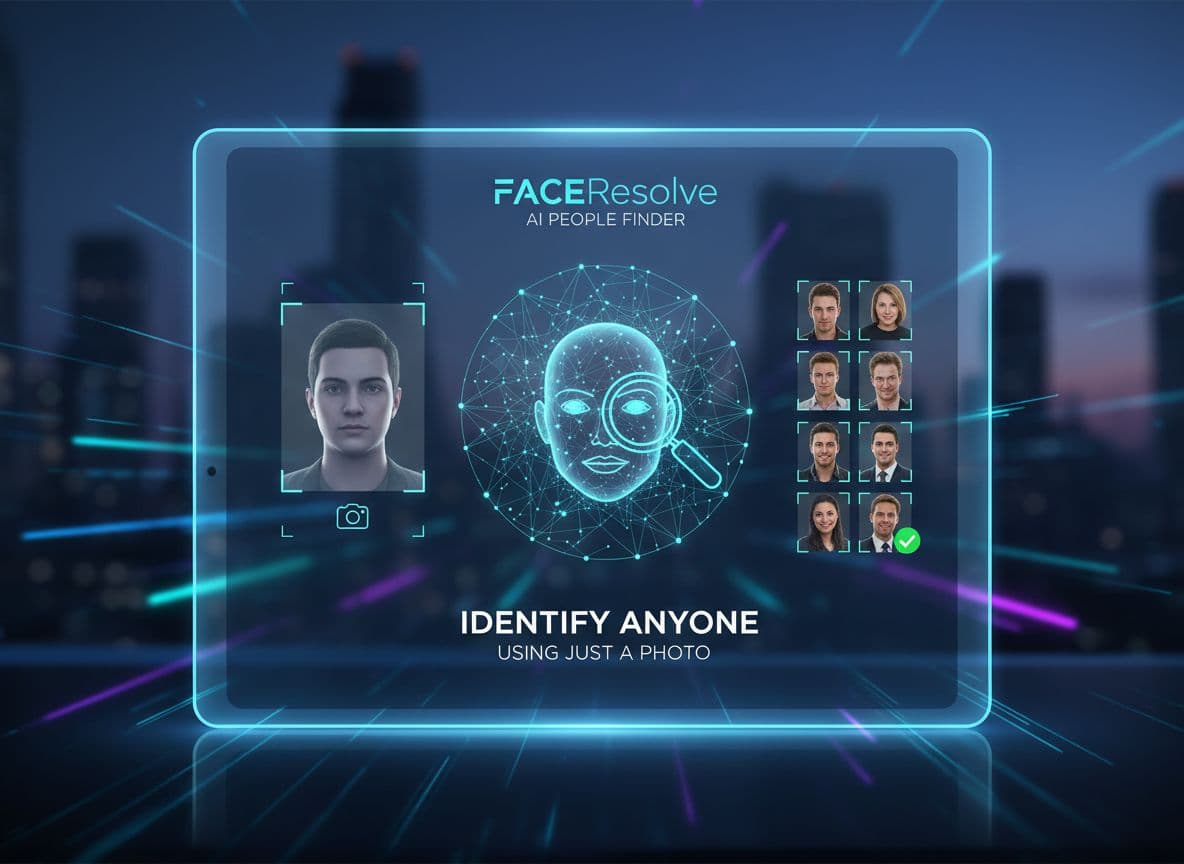
A face changes the equation. Public photos often connect to usernames, bios, and posts across the open web. That gives you current context, not just a label in an old database. With face search, you upload a photo and the system looks for similar faces on public pages. The results link to sources you can open and review. You still need to confirm details, but you start with richer clues.
Face search, in simple terms, compares a clear face in your image to faces on public websites. It looks for likely matches, then returns public links. FaceSeek searches public content. It does not access private accounts or behind-login data. Used well, it helps a people finder workflow by adding speed and clarity to people search online. In practice, you get faster context, better confidence, and fewer dead ends.
Phone databases can lag. Numbers get reassigned. VOIP lines ping between services. Profiles merge or split in ways that confuse even helpful tools.
Recycled number: You call a lead, but it belongs to the previous owner in another city. Your search trail breaks.
Spoofed caller ID: The number looks familiar. The caller is not. The name you found is a decoy.
Family plan mix-up: The number maps to a parent, but the activity belongs to a teen. Signals cross.
These issues waste time and increase the risk of wrong matches. Clear, current context matters more than ever.
Faces Connect Public Profiles, Photos, and Signals Fast
A clear face can reveal the same person across public sites, even when names differ. You might see a profile photo on a forum, a volunteer page on a nonprofit site, and a tagged group picture on a school event page. Together, these pieces confirm you are looking at one real person. The result: quicker validation, fewer guesses, and stronger ties to the person, not just a phone entry.
Trust, Consent, and Legal Basics You Should Know
Use only public photos that you have the right to upload. Laws vary by location. Misuse can harm people. Do not stalk, harass, or discriminate. Keep it fair: safety checks, research, or reconnecting with consent are appropriate uses. Treat every match as a lead that needs review before action.
What Makes FaceSeek Different: Visual Search That Works
FaceSeek focuses on practical, people-first matches from public sources. It aims to reduce noise and surface results you can review quickly. That is different from a general reverse image search that often finds the same photo or close copies. FaceSeek acts like a focused face search tool that supports real workflows in people search online.
There are other tools in the space. Platforms like PimEyes, FaceCheck ID, and Faceonlive offer ways to find faces on the web. These tools can be useful. FaceSeek stands out for clarity, speed, and practical results, mapped to open pages where you can confirm details. It is built for safety-minded use, with ethical guidance front and center.
For a deeper look at how FaceSeek compares and where it shines, explore the Reverse Face Search Tool. You can also see use cases and privacy tips in Smarter Internet Face Searches and learn how to protect your identity with Discover Where Your Photos Appear.
Reverse Image Search vs a True Face Search Tool
A reverse image search often tries to find the same picture or near-duplicates. That helps when a photo is reposted or scraped. A true face search focuses on facial features. It can find the person across different photos, even if the image is cropped, resized, filtered, or years apart. In real cases, that means you can match a profile photo to a candid image from a public event, then confirm details by checking the source pages.
How FaceSeek Surfaces Matches From Public Sources
FaceSeek checks public pages for likely matches and lists them by relevance. You see previews and links to public profiles or pages where the face appears. Each result is a lead, not proof. Open the source. Read context. Compare details. If a page seems wrong or outdated, move on. Keep notes on credible leads so you can track what you confirmed and why.
Accuracy Tips: Use a Clear, Front-Facing Photo
Use good lighting and a recent photo.
Avoid sunglasses, heavy filters, or masks.
Make sure only one face appears in the image.
Use a front or near-front angle for best results.
Crop to the face if the background is busy.
Try two or three photos if the first search is thin.
For perspective on other tools and approaches, see AI Face Search Online or a simple comparison via Face Search Free. Cross-checking helps you understand different result styles and strengths.
Step-by-Step: How to Use FaceSeek Safely and Effectively
A safe and effective workflow saves time and reduces mistakes. Keep it simple. Start with a strong photo, upload it, review the top matches, then confirm with public signals before you act. Respect privacy, follow terms, and stay fair in your decisions. When in doubt, slow down and verify again.
Pick the Right Photo, Then Upload and Search
Choose a clear, recent photo with the face in focus.
Make sure the face is visible, without sunglasses or heavy filters.
Crop to the face if needed to remove clutter.
Upload the image to FaceSeek and start the search.
Review the first page of results carefully.
Skip group shots or masked faces to avoid weak matches.
Read Results With Care and Cross-Check
Scan the top matches first. Open the public pages. Compare usernames, locations, and recurring photos. Look for patterns over time. Do not jump to a conclusion based on one match. Save credible leads and note why they look right. If two or three signals line up, your confidence goes up.
Respect Privacy, Terms, and Local Laws
Use public content only. Do not harass or dox anyone. Follow site terms. Remember that looks change over time, so be fair and avoid bias. Keep your purpose clear and ethical, like safety checks, research, or consent-based reconnection.
Who Benefits From FaceSeek: Real-World Use Cases
A face anchors search to reality. That helps recruiters, marketplace users, reporters, and anyone trying to reconnect with care. Used as a people finder, FaceSeek adds context and speed to the review process without overreach. Keep it ethical, keep it public, and keep records of what you checked.
Hiring and Recruiting: Quick Public Footprint Checks
Recruiters can verify public profiles to avoid confusion with name twins. A quick face search can connect a candidate’s public page, portfolio, and talks they gave at a meetup. Focus on job-relevant info. Get consent when needed. Document what you reviewed and why, then keep everything consistent across candidates.
Marketplace and Dating Safety: Reduce Risk Before You Meet
Before a sale or a first date, run a basic safety routine:
Do a face search and look for consistent public profiles.
Watch for red flags, like mismatched locations or stock-like photos.
Stop if something feels off.
Meet in public and use platform safety features.
A few minutes of review can prevent costly mistakes or risky meetings.
Journalism and Research: Verify Sources Faster
Reporters can confirm names, find original posts, or spot reused photos. A face search may surface the source image tied to a protest photo or a local event page. Cite your sources. Keep notes of how you verified each lead. When you publish, accuracy builds trust.
Quick Reference: Phone vs Face Signals
Signal TypeWhat It Tells YouCommon RisksHow FaceSeek HelpsPhone numberLine holder or past ownerRecycled numbers, spoofing, family plansAdds visual matches that connect to public identityReverse imageNear-duplicate photosFinds copies only, misses new anglesTrue face search finds the person across different photosPublic profileSelf-claimed identityOld bios, fake profilesCross-check with face results and recurring photosFace searchLikely matches to the same personFalse positives if photo is poorStronger leads with a clear, recent face
Conclusion
Phone-only lookups hit stale data and dead ends. A careful face search adds context fast, linking to public pages you can review and confirm. For people search online, FaceSeek balances clarity, speed, and safety. Use clear photos, read results with care, and keep your use ethical.
Brands and creators who want to expand reach can work with FaceSeek’s partner options. Get your brand featured on FaceSeek Online. Take a smart step toward safer, cleaner searches today.