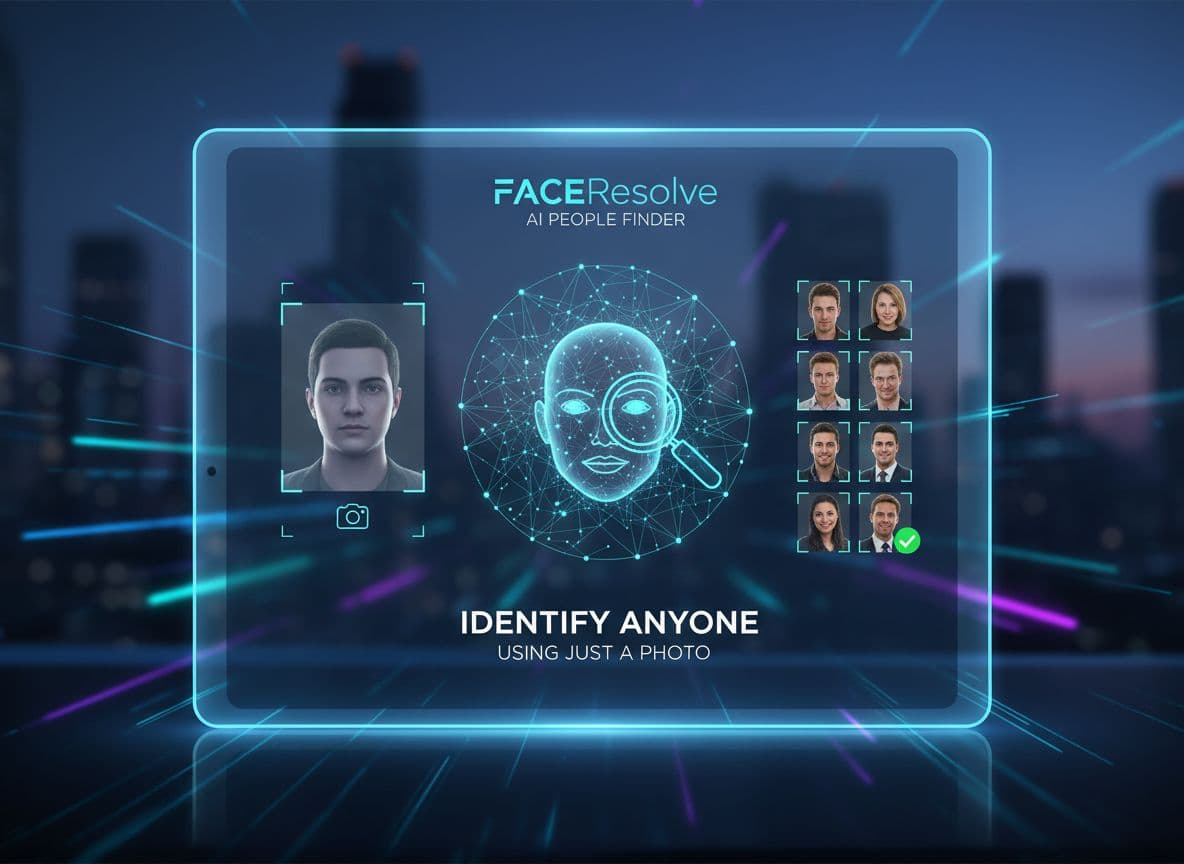
AI People Finder: How FaceSeek Helps You Identify Anyone Using Just a Photo
Imagine starting with only a picture and still finding the person you need. In 2025, that is not a stretch. It is practical, fast, and within reach. An AI people finder like FaceSeek turns a face into a search key. FaceSeek is a face search tool that scans public web images to match a face. Traditional people finder databases start with names, phones, and old records. AI people search begins with an image and checks where that face appears on the open web.
This guide explains what FaceSeek is, how it works at a high level, who it helps, and how to use it safely. You will learn how to find a person by photo, why this approach beats slow forms and stale records, and when it is appropriate to search. The tone is clear and direct, so you can make informed choices with confidence.
FaceSeek in 2025: How AI People Search Works From One Photo
FaceSeek starts with a simple idea. Upload one photo, then scan public web pages for the same face or a very similar face. The system compares your image to public content, such as profile photos, news stories, event albums, and forum threads. It does not tap private databases, paywalled records, or hidden accounts. It matches faces you can already see on the web, then groups likely results so you can review them.
Under the hood, FaceSeek turns a face into a compact math object called an embedding. Think of it like a recipe for that face, made of numbers that represent features. The system compares that recipe to many others it has seen on public pages. When it finds a close match, it shows you a possible hit with a similarity score. Higher scores mean the faces look closer to the one you uploaded.
You do not need to know how the math works to use it. What matters is that the face search tool ranks results by visual similarity. You can then open the source pages to confirm if it is truly the right person. This is the key difference from many forms that ask for name, age, or city before you even start. With AI people search, the face starts the work.
Quick tips for better results:
Use a clear, front-facing photo.
Crop to the face if the background is busy.
Avoid heavy filters and masks.
Respect privacy and only upload images you are allowed to use.
For a hands-on walkthrough, explore FaceSeek’s guide to reverse search techniques in the Advanced reverse image search engine.
The 3 steps: upload, scan, match
Upload a clear face photo.
AI scans public web images for similar faces.
Review likely matches and open sources that look right.
No name or phone is needed to start.
What FaceSeek looks at on the public web
FaceSeek checks images tied to public sources:
Profile photos on open sites and directories
News stories with bylines or event coverage
Event galleries, conference pages, and school sites
Forums and community pages that display public avatars
It does not access private accounts or paywalled records. It only uses what is publicly visible.
Why similarity scores help you decide
A similarity score is a simple number that signals how strong a match might be. Higher scores usually mean closer visual matches. Treat them as helpful hints, not proof. Open high and medium scores first, then scan the context. If you see two different photos of the same person on the result page, your confidence should rise.
Get better results with a clear photo
Face centered: keep the eyes and mouth visible.
Good lighting: avoid dark shadows on the face.
No sunglasses: regular glasses can be fine if glare is low.
One face in frame: remove extra faces to avoid confusion.
Crop the image if needed and use the sharpest version you have. A second angle can confirm a match and reduce doubt.
For an ethical overview of face matching and practical examples, see the FaceCheck ID alternative for face search.
FaceSeek vs Traditional People Finder Databases: Why It Finds More, Faster
Legacy databases often rely on old records and partial data. You fill out a form, then get pages of addresses, phones, or links to paywalls. Many results are stale or tied to the wrong person. FaceSeek flips that script. It finds current public images first. Then you review pages where the face appears today. You move faster because you skip guesswork on names and outdated records. This is where a modern people finder falls short while FaceSeek helps you find a person by photo with fresh signals.
With FaceSeek, you do not have to know the name. You can still surface social profiles, press hits, and event mentions that contain the same face. This cuts dead ends from wrong spellings and old aliases. Visual proof saves time and gives you context before you chase a lead.
Fresh web signals vs stale records
Classic databases update on long cycles. They miss recent job changes, new locations, and new public posts. FaceSeek uses images and pages that reflect current life. Imagine you met someone at a conference last week. A recent photo on a sponsor gallery can surface their updated profile faster than a slow record search.
No name needed to start the search
Many forms demand name, city, age, and phone. FaceSeek starts with a face. That is a major shift when the only thing you have is an image. You can back into names and details by reviewing the pages that show the same face.
Broader reach across countries and languages
Record-only systems often focus on one country at a time. FaceSeek can match across public sites in many regions. If the same face appears on a global platform or a regional news site, it can show up. You get reach where record systems struggle.
Fewer false leads with visual proof
Wrong-name searches lead to dead ends. A face match lets you check visual fit before you click deeper. Look for two independent photos of the same person on the result page. If both align, your confidence rises and you avoid lookalikes.
Real Use Cases: When a Face Search Tool Helps You Right Now
FaceSeek makes sense when time is short and details are thin. Each use case below shows how to act safely and get clarity fast. This is where an AI people finder or face search tool can save hours of guesswork.
Spot romance scams and fake profiles
Upload a dating app photo. Check if the same face appears across many profiles with different names. If you see the same face tied to different cities or bios, that is a red flag. Use the page context to decide if the account looks real or staged. This step does not replace common sense, it supports it.
Reconnect with classmates, coworkers, or event contacts
Use a yearbook-style photo, a team headshot, or a conference album. A match could point to a current profile on a public site. That helps when names were misspelled or forgotten. A quick visual confirmation beats scanning endless lists.
Safer marketplace deals and community meetups
Have a photo from a listing or a group post. A search can surface a public profile that matches the same face. Combine this step with normal safety checks like public meetups, verified payments, and platform messaging. Visual context helps you decide if you want to proceed.
Light due diligence for hiring or hosting
Before a call or a stay, a face match can confirm a real online presence. Always follow laws, company policy, and platform rules. Do not rely on one image alone, and avoid any unfair bias. Use the match as a lead, not as a final verdict.
For broader background on tools and approaches in this space, review this overview of facial recognition technologies. While FaceSeek focuses on public image matching, it helps to understand the wider toolset used across industries.
Use FaceSeek Safely: Legal, Ethical, and Smart Tips
FaceSeek is powerful. Use it with care. Follow local laws, site terms, and privacy rules. When in doubt, get consent. Avoid harassment or any use that could cause harm. Treat results as leads that need review, not as proof. Keep your search narrow and your actions respectful. FaceSeek and AI can help you move faster, but you are still responsible for how you use the results.
If you want to see how some organizations position facial recognition for law enforcement, review the public site for Clearview AI. This is not an endorsement. It can help you understand one end of the policy and ethics debate.
What is allowed, what is not
Allowed uses:
Verify a public profile before you engage
Reconnect with friends or classmates
Check for impersonation or stolen photos
Attribute an image to its source
Not allowed or risky uses:
Harassment, stalking, or doxxing
Discrimination or targeting protected groups
Publishing private or sensitive details
Any action meant to intimidate or harm
If results could cause harm, stop and reassess.
Know your local rules before you search
Privacy and biometric rules vary by country and state. Some regions place strict limits on facial data. If you use FaceSeek at work, check your employer’s policy and legal guidance first. When policies conflict, follow the stricter rule. Good process protects you and the people you search for.
Use consent and keep a simple record
If you know the person, ask for consent before you search. Keep a short note: why you searched, what you looked at, and what you did next. This small habit adds accountability. It also helps you explain your steps if asked later.
Report harmful content and move on
If a result shows illegal or harmful material, report it to the platform or the proper authority. Do not share sensitive results. Avoid posting screenshots of private details. Safety comes first. If you are unsure, choose not to proceed.
For a technical discussion thread that shows how practitioners debate models and practices, you can read this community post on the best face recognition model in 2025. It offers context, not policy.
Conclusion
Faceseek starts with a face, then finds public matches fast. That gives you fresh context and fewer dead ends than a slow, record-only people finder. The steps are simple: upload a clear photo, let the system scan, then review high and medium scores first. Focus on clear images, visual confirmation, and careful judgment. Respect laws and site rules, and avoid any use that could cause harm. Ready to try a careful, legal search with a clear photo in 2025? Start small, verify twice, and act with care.